
← All services

STANDARD PRICE · $100/hour

Canva Basics Training

Good ideas deserve graphics you’re proud to share.

Stop starting from a blank page every time you need a graphic. We’ll organize your brand, work through Canva’s everyday tools, and build a real advertisement together—with you learning the decisions behind the design.

3 hours recommended $300 total

Plan your training
Canva wordmark with layered design boards, color swatches, and typography tools.

How we work

Learn it.
Put it to work.

  1. 1Gather your brand

    Find and organize the logos, photographs, and visual details you want to use consistently.

  2. 2Learn by making

    Explore templates, text, elements, and image tools while shaping a real design.

  3. 3Finish and use your ad

    Review the layout, check the message, and learn how to save and export the finished piece.

Training shaped around you

Make your next design feel like your business.

A template is a starting point. Choosing the right photograph, giving the headline room, and knowing what to leave out are what make the design work for your business. We practice those choices using your own materials.

Together, we bring your logos, photos, colors, and existing graphics into a more useful setup. Then we turn an actual message into an advertisement, building a workflow you can return to for your next promotion.

We highly recommend that you have a Canva Pro subscription for this training, as it will allow you to make the most of our time together.
Everyday skills, lasting confidence

Find your eye for good design.

Get comfortable with the tools and the choices behind a clear, consistent piece of marketing.

Build from your own brand

Gather your logos and photographs, identify the colors and type you use, and organize those assets so your next project is easier to start.

  • Logos & photos
  • Colors & type
  • Asset organization

Make a template your own

Choose a layout that suits the message, replace generic content, and work with text and elements. Practice spacing, alignment, and visual hierarchy so the most important details stand out.

  • Templates
  • Text & elements
  • Layout & hierarchy

Polish the details

Work with cropping, image editing, and design adjustments. Explore Background Remover where available, then check legibility and learn how to export for the place your ad will appear.

  • Image editing
  • Design adjustments
  • Exporting
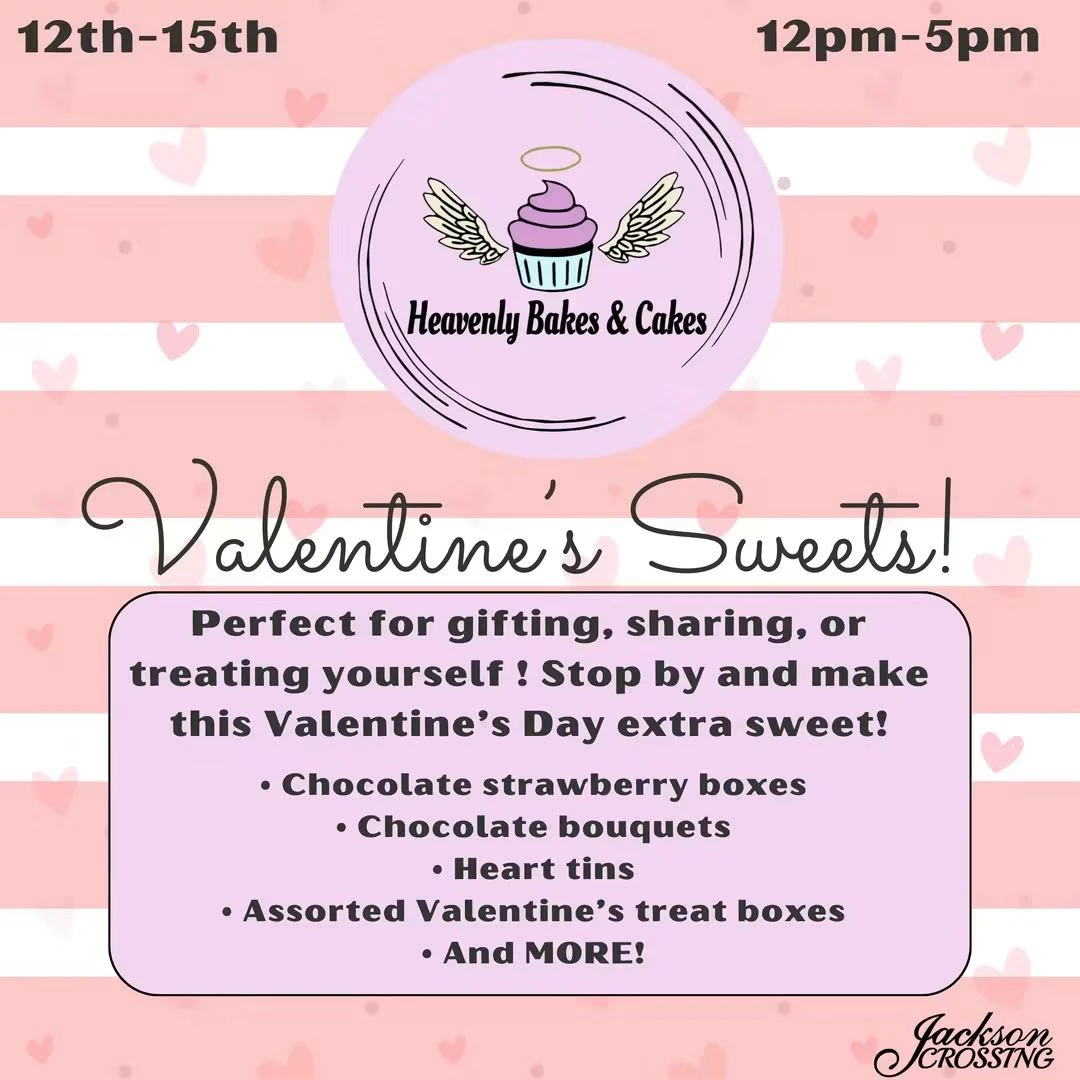
Whimsy’s pink Valentine’s sweets advertisement for Heavenly Bakes & Cakes.
From Whimsy’s design work: a seasonal offer for Heavenly Bakes & Cakes. Your session builds an advertisement for your business.

Make something real

Leave with an ad. Know how you made it.

Bring a product, event, or offer you want people to notice. We’ll build the advertisement together, working through the headline, image, brand details, and call to action. You keep the design in your account so you can return to it and make future updates.

  • Your logo, colors, and imagery
  • A headline with a clear visual hierarchy
  • The details customers need to act
  • A finished advertisement ready to use

Learn it. Build it. Leave ready to create.

Better together

Create it in Canva.
Share it on Facebook.

Connect the whole process, from organizing your brand and designing an advertisement to managing your page and preparing a finished Facebook post.

Canva · 3 hours Facebook & Meta · 2 hours
Explore Facebook & Meta Basics Training
Save 10% when you book both$450 total

5 hours of combined training
Regular combined price: $500 · Save $50

Book the combined package

Before we get started

A few useful answers.

You leave with more than just Canva knowledge. You leave with your Canva account organized, your brand ready to use, new skills you can continue building on, and a finished piece of marketing material in hand.

Do I need design experience?

No. We start with navigation and the tools you need, then explain the design choices as we make them. The session is built around practice with your own business materials.

Do I need Canva Pro?

Yes. Please have an active Canva Pro subscription for this training so you can make the most of our time together and use the tools we cover. Your Canva Pro subscription is separate from the training cost.

What kind of advertisement will we make?

Bring a specific offer, event, product, or service to promote. We’ll agree on one finished design and its intended use, such as a social graphic or a flyer, so the session has a clear outcome.

Can I keep editing the design afterward?

Yes. We work in your Canva account so you can revisit the design, change details, and use what you learned for your next piece of marketing.

Feature access depends on your Canva account.

What’s included

Your brand, organized. Your first ad, finished.

This hands-on Canva Basics training is designed to give you the tools and confidence to start creating professional, on-brand graphics for your business.

Bring your questions. Bring your business.

Let’s build your confidence.

Book a consultation

Created by

Whimsy — Consulting, Media, Marketingfacebook.com/Experiencewhimsy